MiroirOS
Software that runs the show for you.
It controls your equipment and directs your multi-camera shows, on its own.
FromLoading prices… excl. tax
Preorder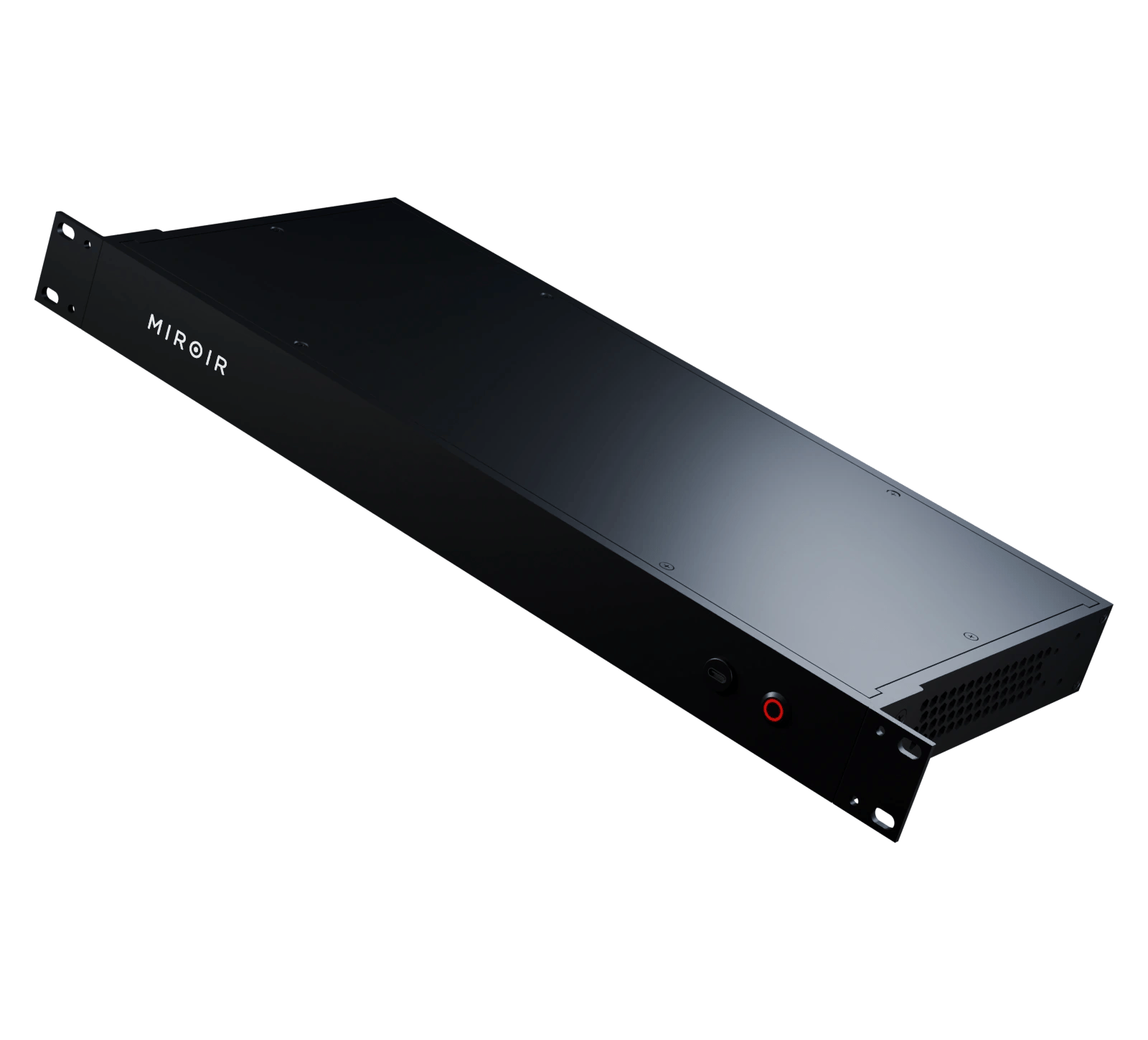
Software that runs the show for you.
Depending on model
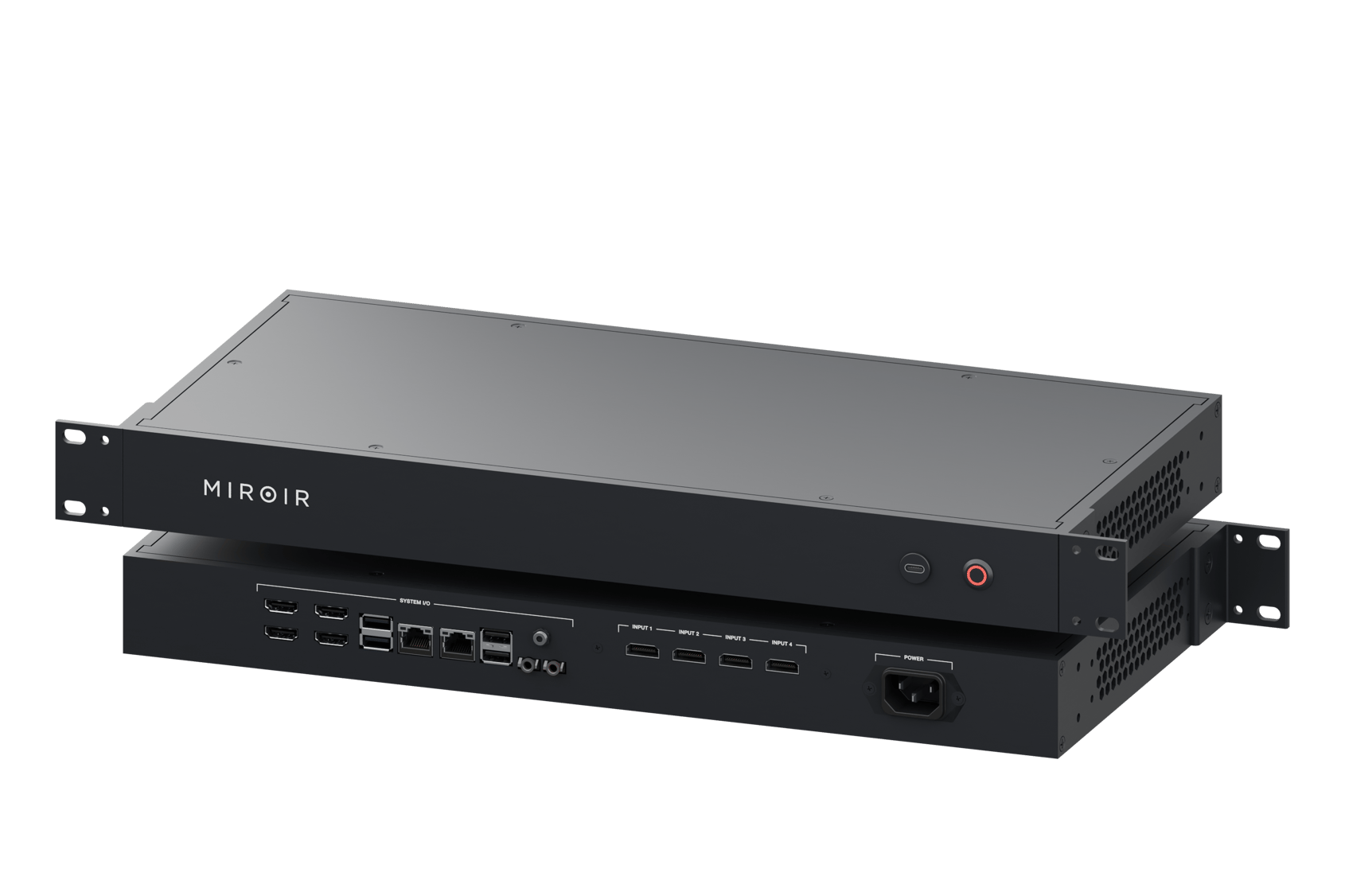
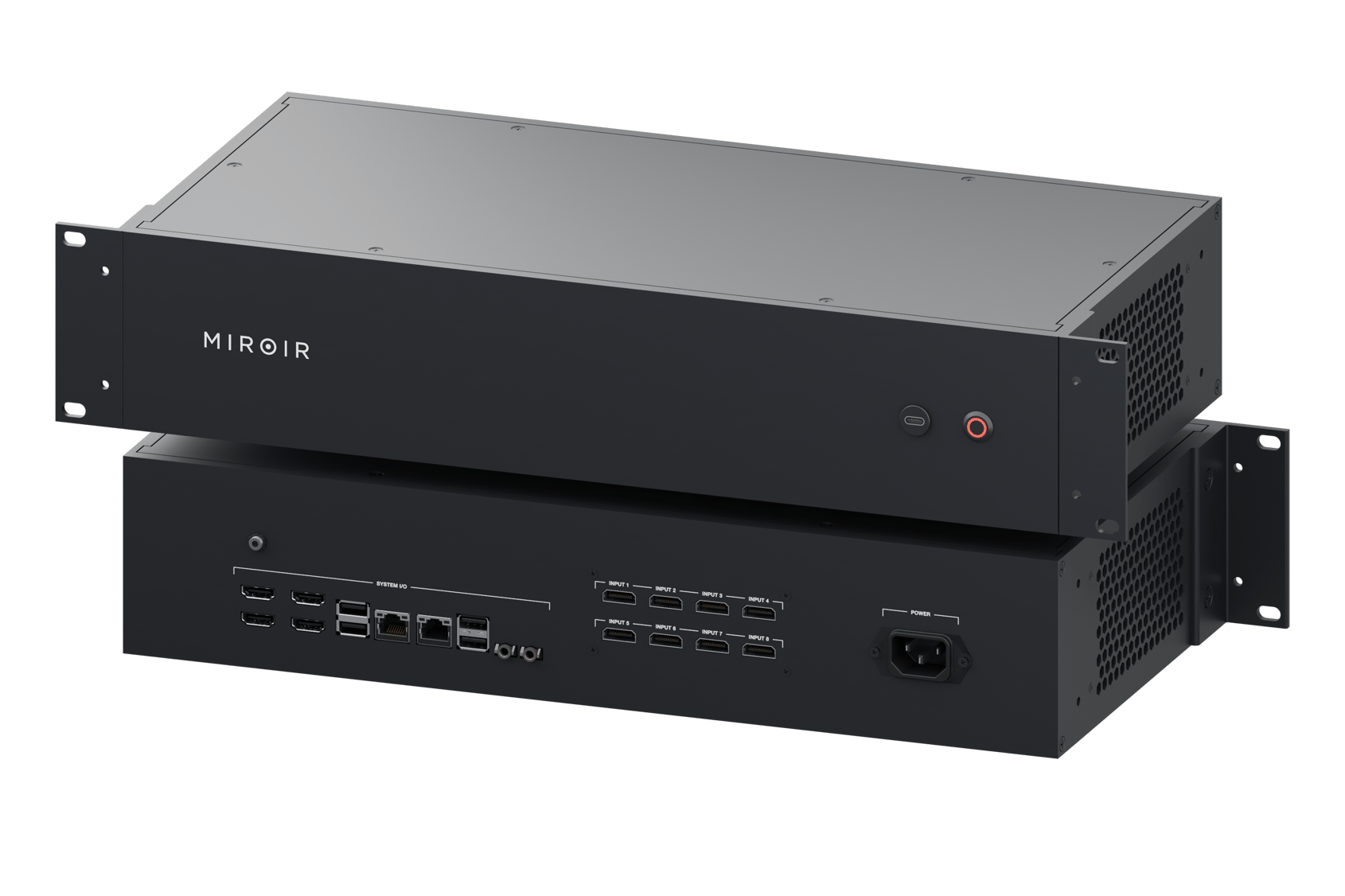
HDMI / DisplayPort

True 4K30 RTMP livestreaming
Up to
8×4K
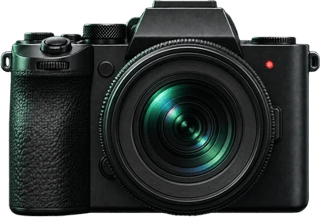
Each camera recorded in its own 4K file.
2.5Gbit/s
Fast footage transfers
Powerful GPU + dedicated NPU
Automate your devices
Cameras, mics, lights, controls: everything plugs into Director 4K, and it runs the whole setup.
Selecting camera shots. Face tracking and dynamic reframing. Refining the framing. Detecting who’s speaking. Adjusting the lighting mood
Miroir Director 4K

 YouTube
 Twitch
 Instagram
 Teams
Teams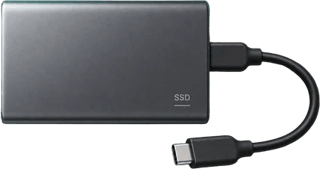
Compatible cameras and lights turn on together, with your settings.
Director 4K selects shots and adjusts framing while you talk.
The camera changes are already made.
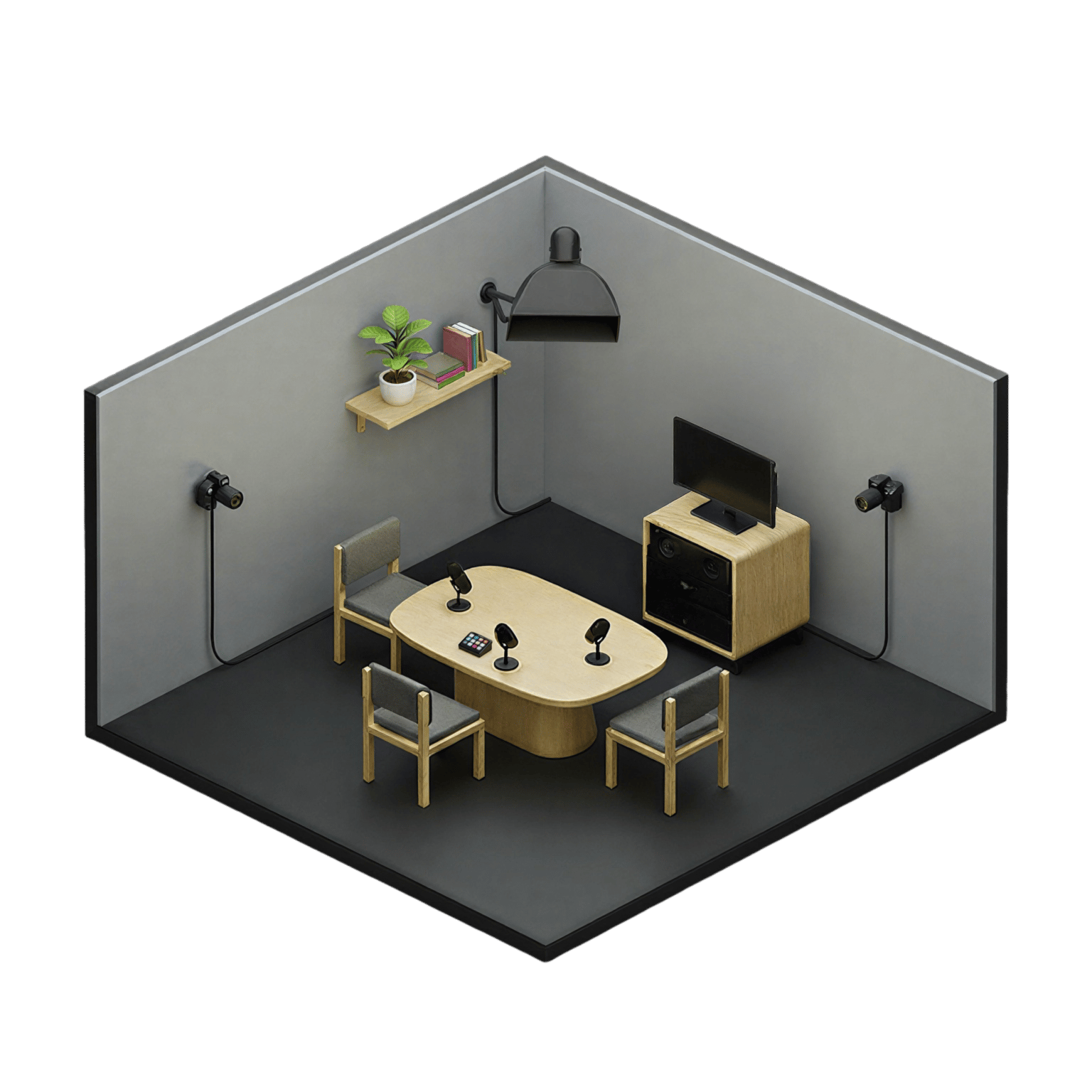
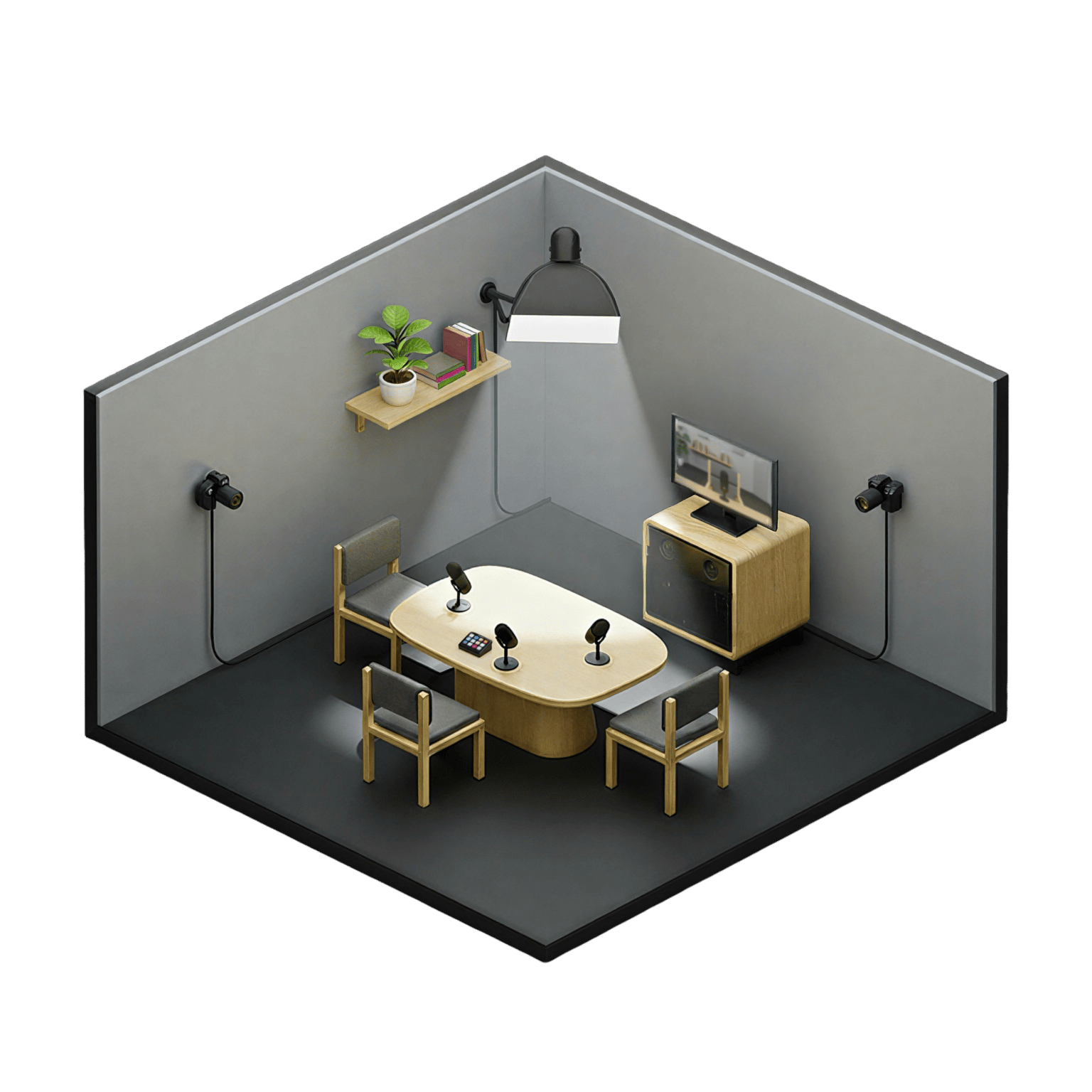
Record, go live or switch shots using the buttons on Stream Deck.
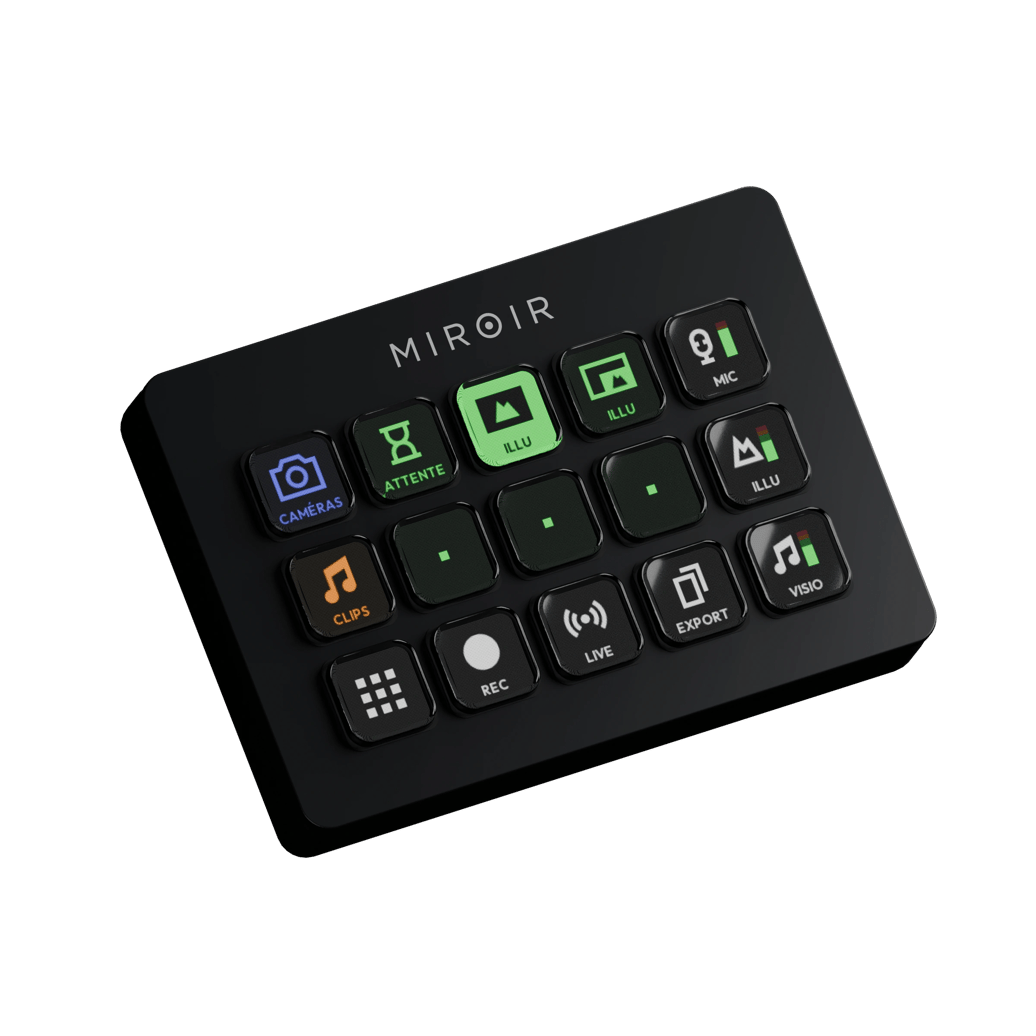
Included with Director 4K, MiroirOS automates your studio.
Load your show’s logo, lights and settings with one click.
An AI director paces the shots to the conversation. Take control at any time.
Your guests move; the framing adjusts automatically within the image.
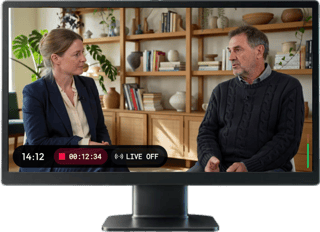
REC, live and audio levels, always visible on your monitor.
One studio for all your teams. Everyone has their own footage.
Intros, speaker names and overlays, launched with one tap from the Deck.
Cameras, split views, waiting screen: switch layouts with one click.
Copy your recordings to a USB drive or external SSD.
Your presentations and videos, with sound.
Q12025
SmartSwitch
Q22026
Remote guests
Q32026
SmartFrame
Q42026
PTZ control
Coming next
Q12027
NDI
Coming next
MiroirOS brings new capabilities to the Director you already own.
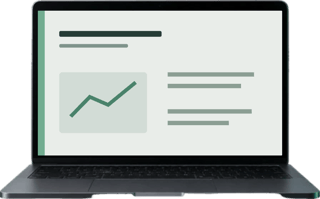
Prepare your show and collect your recordings in Miroir Remote, on your local network.
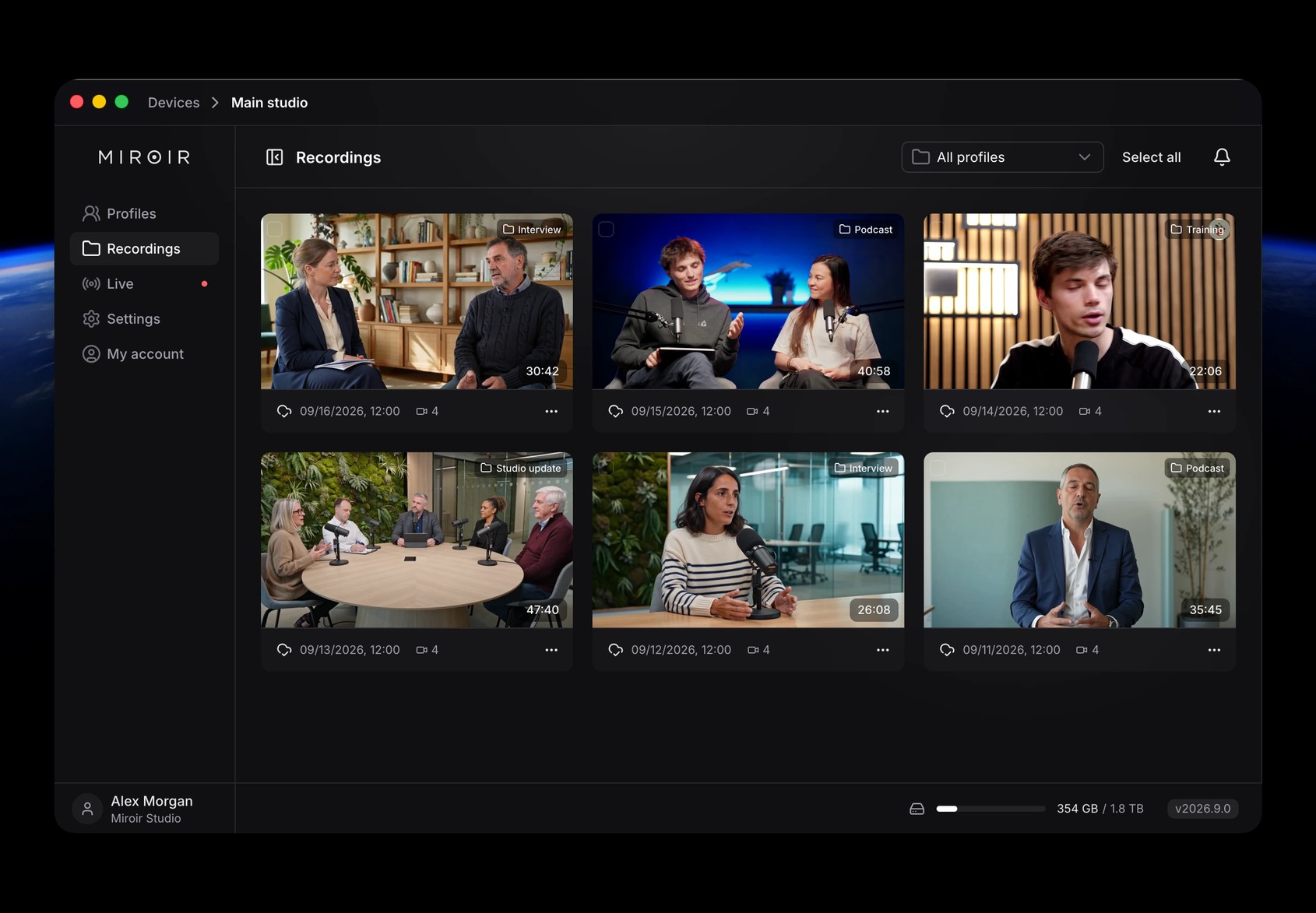
macOS · Windows · Linux
Keep your compatible cameras, audio mixer and lighting.
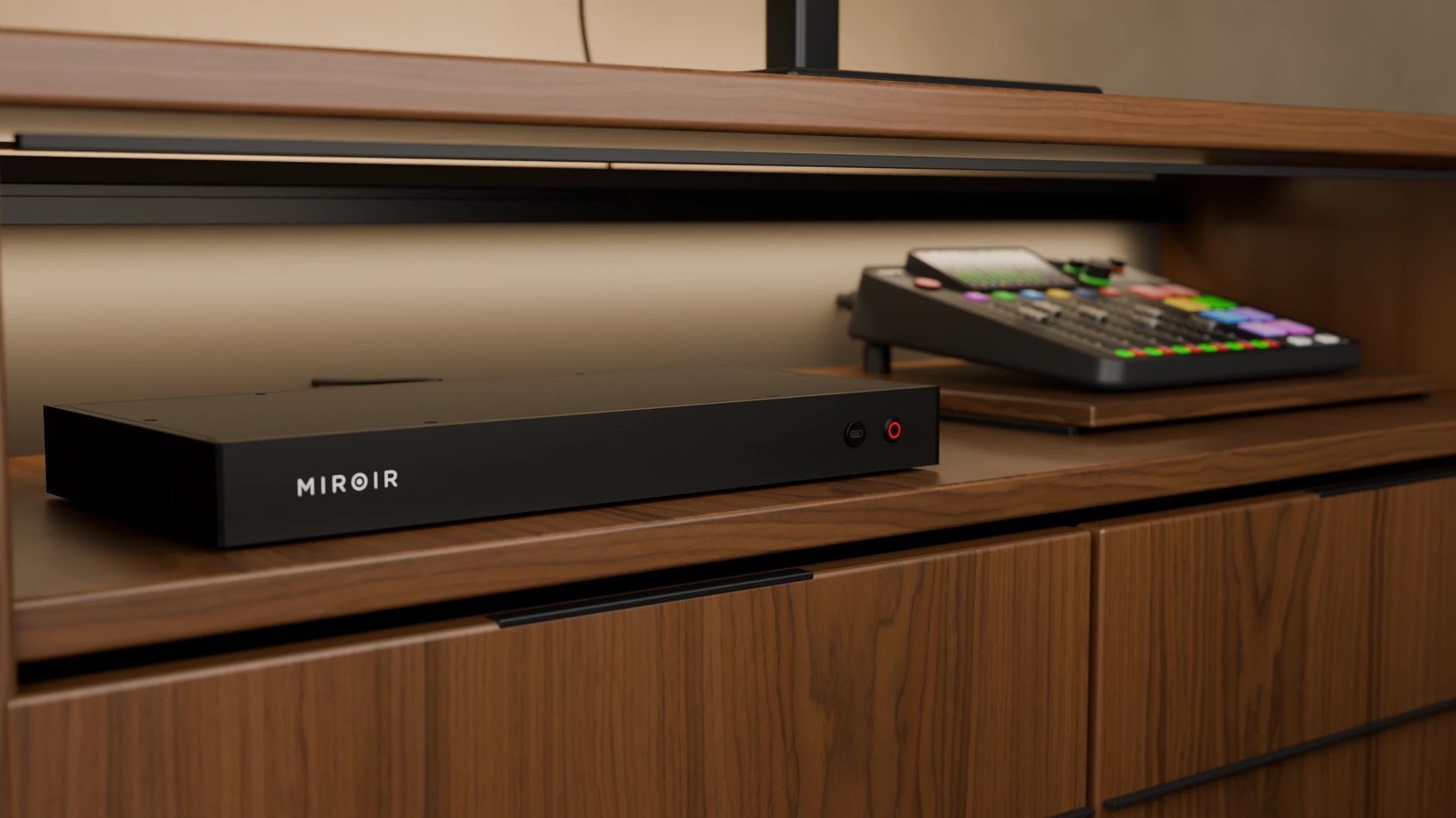
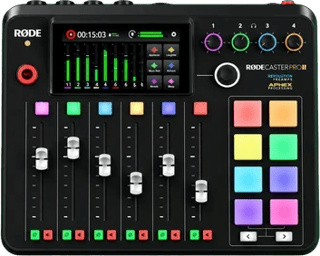
RØDE, Behringer, Allen & Heath: your mixer connects over multichannel USB and Director 4K identifies who is speaking.
Connect your cameras over HDMI. Zigbee plugs can handle their power.
Control your DMX fixtures and compatible Zigbee lights, and configure different lighting moods.
From €49 excl. VAT/month per studio.
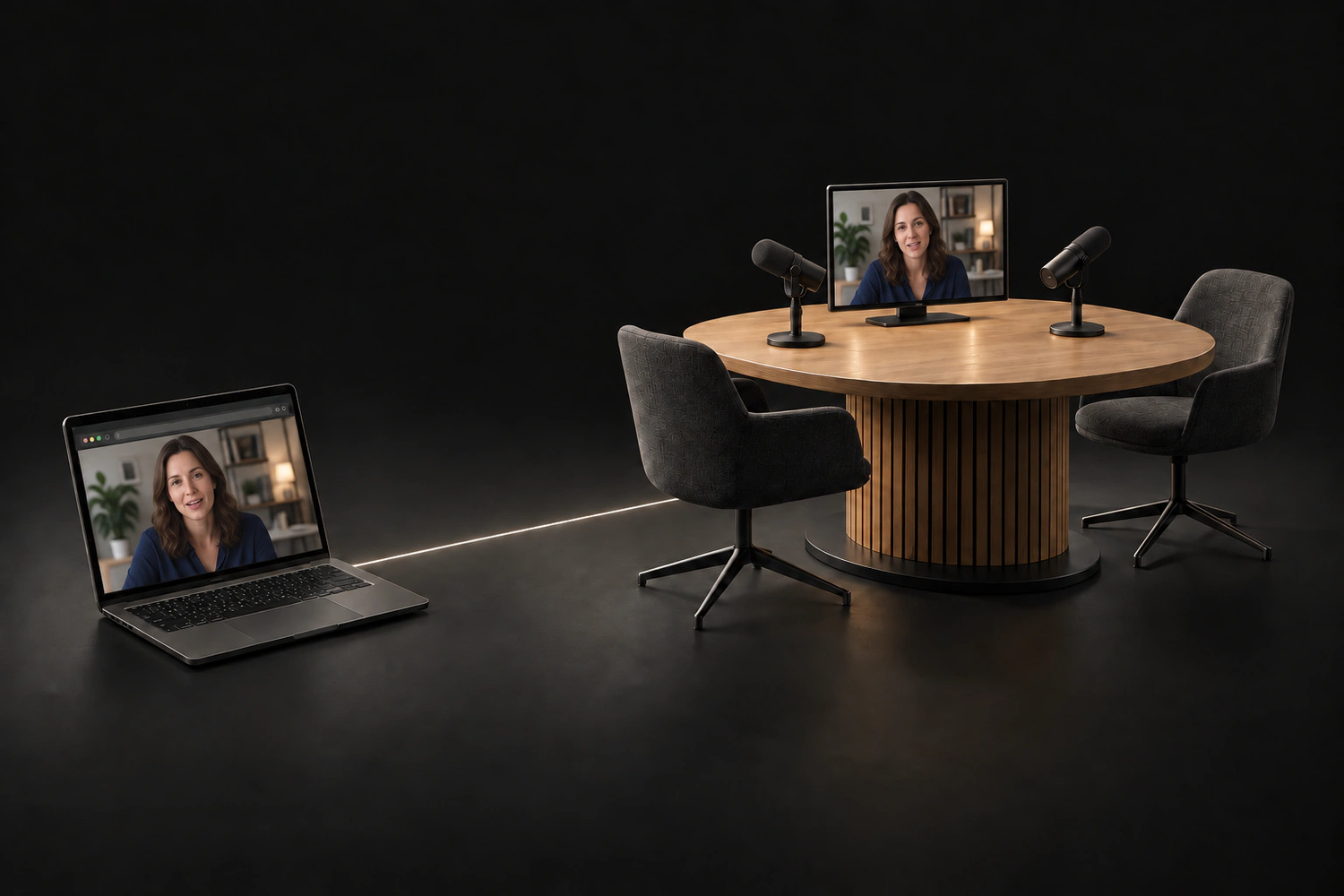
One link is all it takes, with no account or app to install.
SmartSwitch follows the conversation. Each guest keeps separate audio and video tracks.
Your recordings are automatically uploaded to Frame.io, Dropbox, your NAS, or S3 storage.
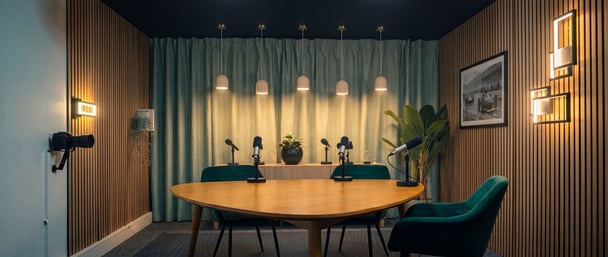
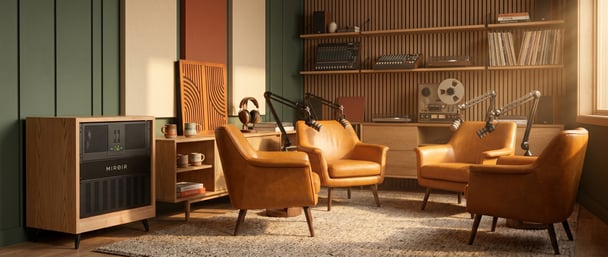
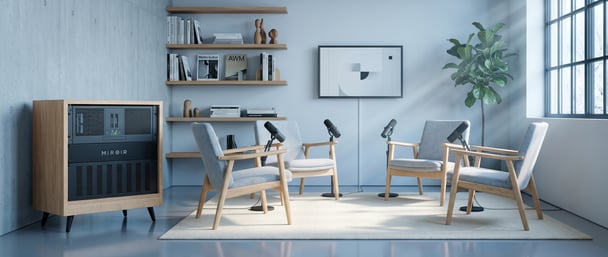
Control your studios over the internet and talk to people on site from Miroir Remote.
Ships December 2026