Nothing to set up per client
Recording settings load automatically at the start of each session.
Concierge automates your video studio rentals, from booking to footage delivery.
A changed setting or a stalled session means finding a technician.
Recording settings load automatically at the start of each session.
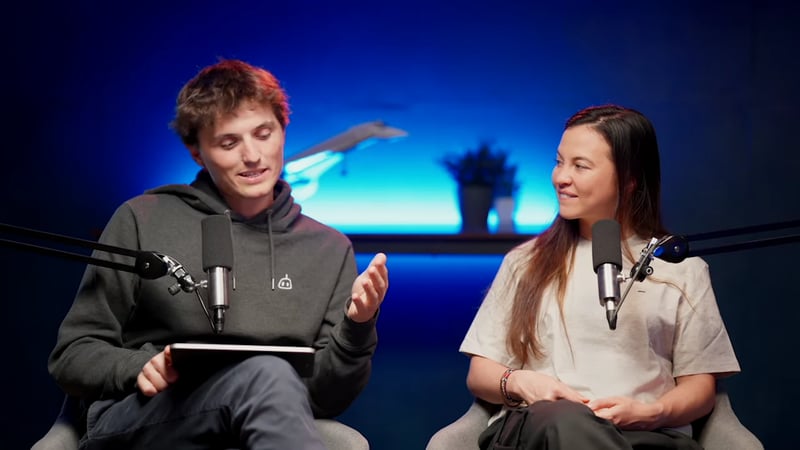
Clients start recording. Nothing technical to touch.
We define what your team maintains and what we handle.
They choose a studio, a time and their options.
Your next session
Tuesday, 15 September
Added option
4K multicamera video
Booking paid
€290Their code unlocks recording for the booked time.
Your code to record
Tuesday, 15 September
14:00 → 16:00
Director 4K switches cameras and records on its own.
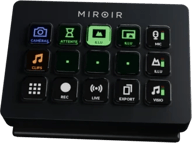
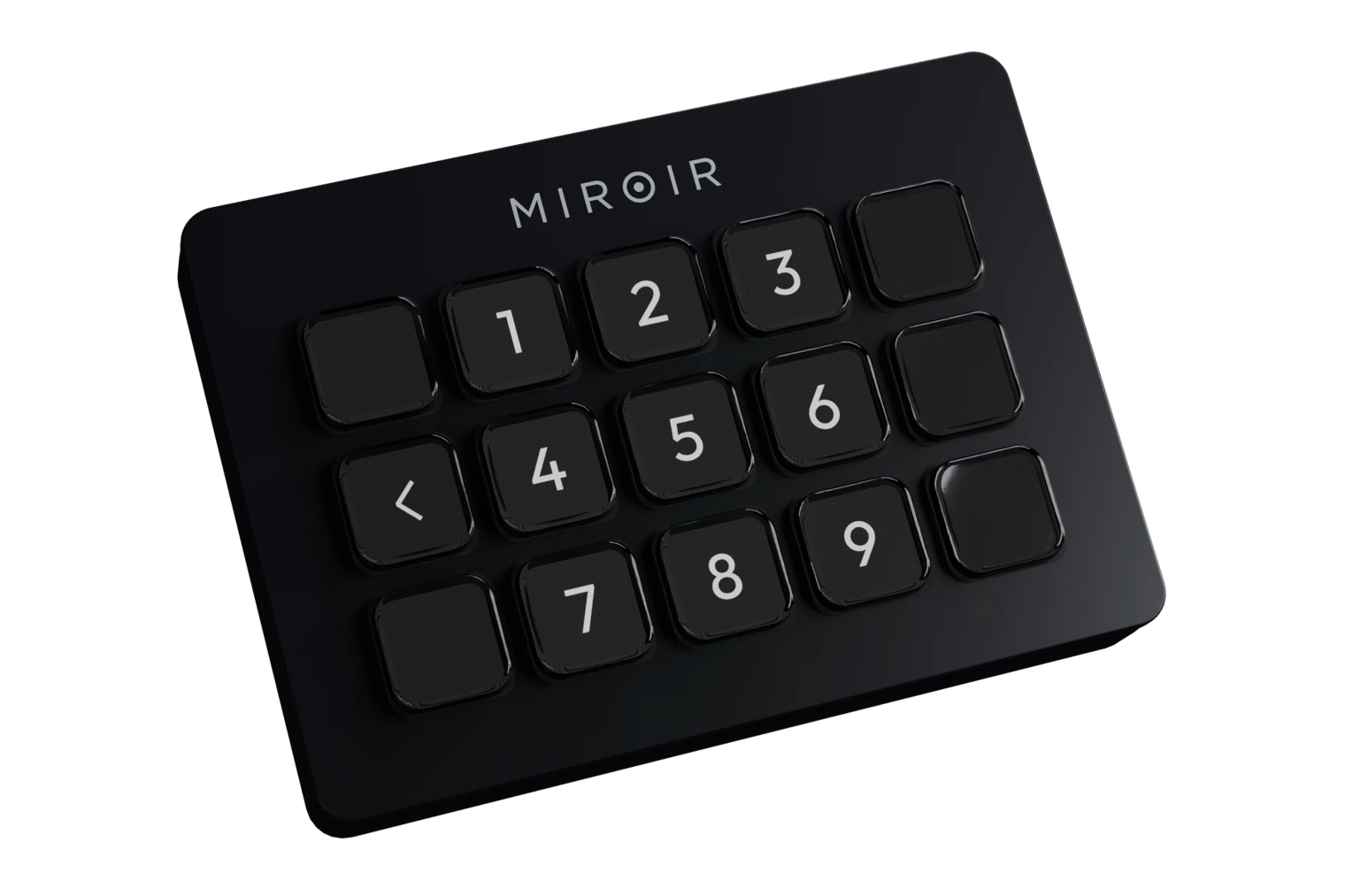
Miroir Deck ready
Press to start recording
Their videos stay available for as long as you decide.
Your session recordings
Tuesday, 15 September
Dropbox link shared
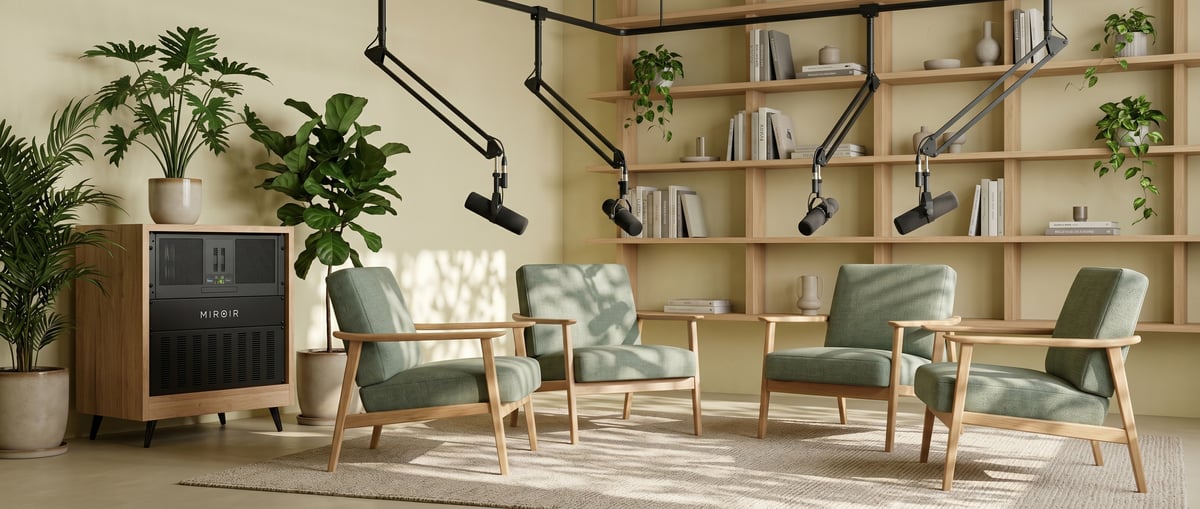
Director 4K automates your shoots. Plug in cameras, mics, lights, and let it handle the rest.
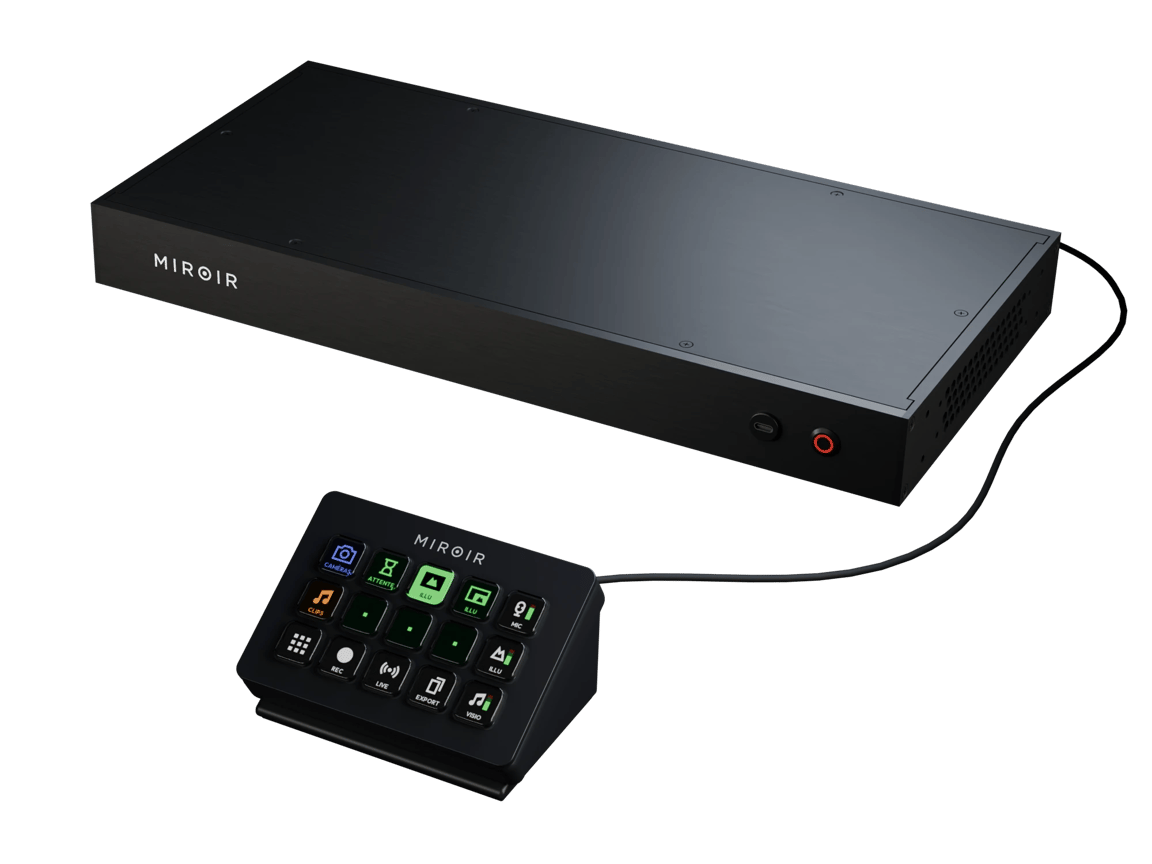
One click wakes cameras, mics and lights
Camera switching that follows the conversation
Framing that keeps everyone in shot
Stream to the platform of your choice
Every camera saves its own file
Remote guests join like anyone in the room
Your client gets a file for each camera to cut into social clips.
Sell 4K as a paid upgrade. No SD cards to collect.
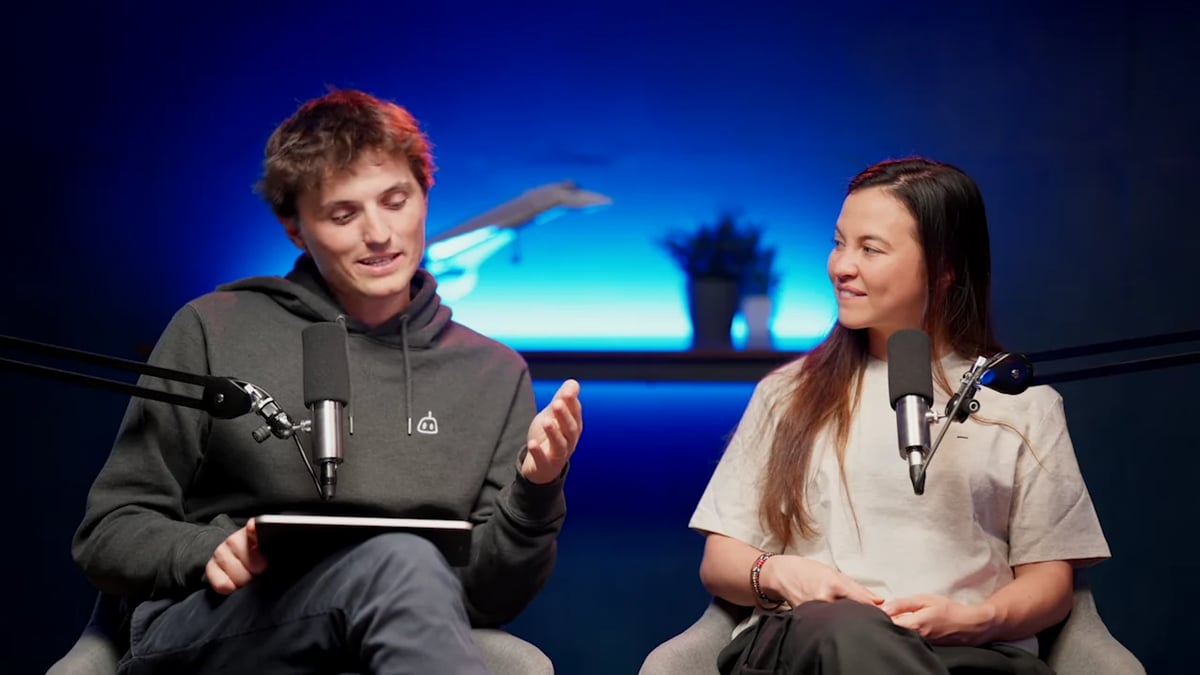 4K · 30 fps
One file per camera
Scenes, intro clips and streaming, ready to go live from the Deck.
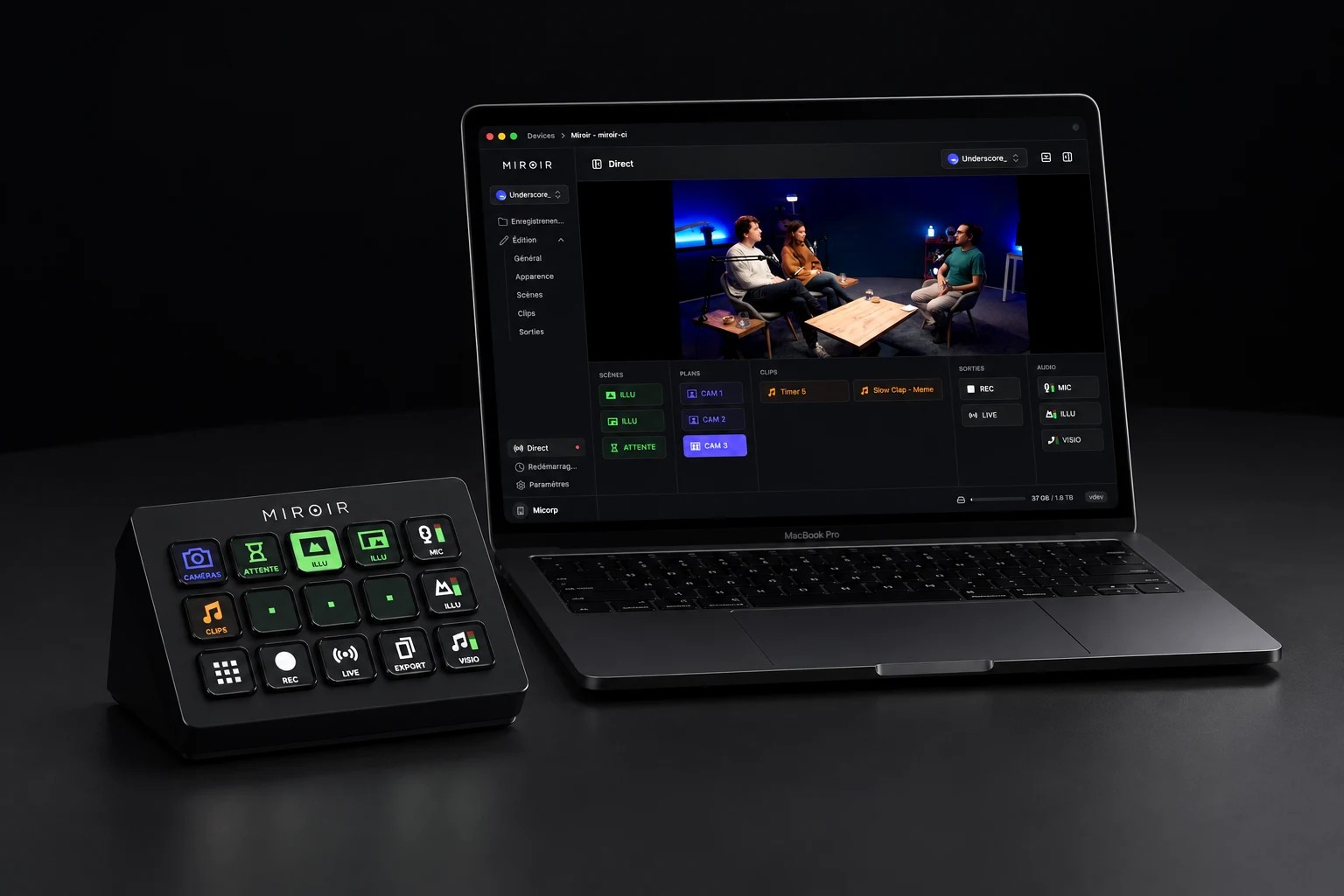 Live12:04
Your studio schedule
Tuesday, 15 SeptemberPodcast
In session
Interview
Confirmed
Training
Confirmed
Podcast
Confirmed
Opening hours, plus reset time between sessions.
From your booking dashboard.
Recording stops when the booking ends, after a warning.
01
We pick the Director 4K model for your studios, or design a custom rack.
02
We install it in your studios and plug it into your website and bookings.
03
We train your team on the new routine.
Tell us how many spaces you rent and how clients book today. We come back with a proposal.
Contact the teamAverage reply in under 24h